What to do right now
Switch the device off and leave it off. A failing drive gets worse each time it is powered up, and deleted files only survive until something new is saved over them.
- Clicking, grinding or beeping drive: unplug it and resist the urge to try it one more time
- Deleted or formatted files: stop using that drive, with no downloads, installs or saving
- Failing disk: do not run CHKDSK, Disk Utility First Aid or free repair tools on it
- RAID or NAS fault: do not rebuild or re-initialise anything, and leave the disks where they are
- Liquid spill: do not charge the device or power it up to check
Then call us on 020 3026 0184. A senior technician is on standby 24/7 for data loss. Tell us the make of the device, the operating system and what happened just before things went wrong. Quite often the disaster turns out to be a software glitch, with every file still in place.
How a recovery works
- Free consultationTell us what happened and let us examine the device. There is no charge and no obligation, and we usually start work the day the device reaches us.
- Firm quoteYou get a fixed price before any recovery work begins. The price quoted is the price charged.
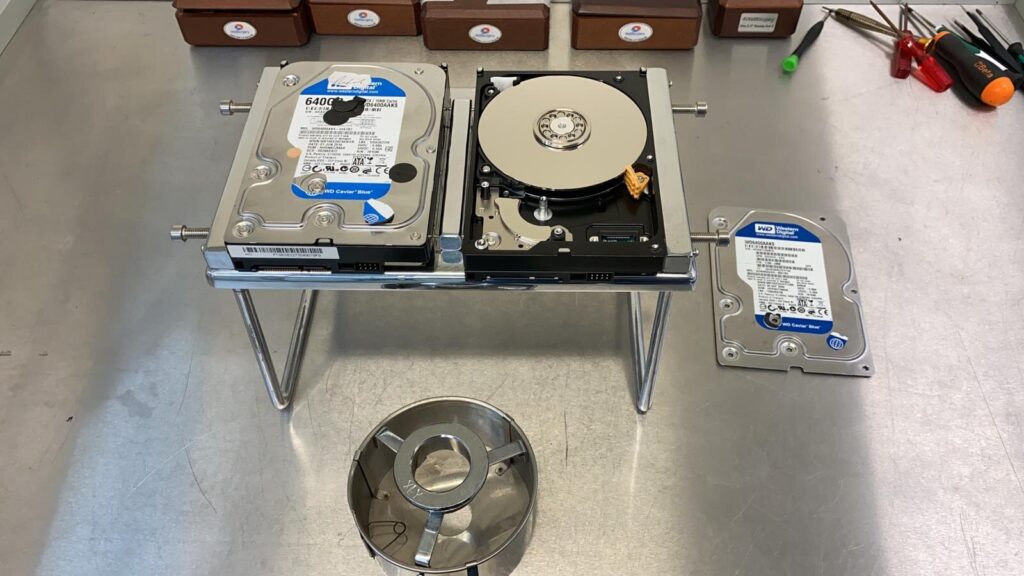
- RecoveryLogical faults are dealt with using recovery software. Drives with physical damage are opened in an ISO Class 5 (Class 100) clean room.
- You check the resultWe make sure your recovery goals have been met before we ask for payment.
- Data returnedYour files come back on an external drive, which we can supply. If nothing can be recovered, you pay nothing.
Logical or physical: why the fault sets the price
A logical fault means the drive is healthy but the data cannot be reached. Deleted files, a formatted disk, a corrupted file system, a virus or an operating system that will not start all count. These are put right with software and cost the least.
A physical fault means hardware inside the drive has failed, such as the read/write heads, the motor, the circuit board or the firmware, or the drive has been dropped or soaked. That work needs the clean room and sometimes a donor drive for parts, which is why it costs more.
| Type of recovery | Guide price |
|---|---|
| Initial consultation | Free |
| Logical recovery, standard hard drive, up to two hours’ work | £99 + VAT |
| Logical recovery needing 24 to 48 hours of work | £150 + VAT (1TB) to £250 + VAT (4TB) |
| Physical recovery on a single drive | £450 + VAT (labour, plus a donor drive if needed) |
| SSD recovery (firmware or electronic board repair) | £450 + VAT to £650 + VAT |
| RAID 0 | £650 + VAT |
| RAID 5, 6 and 10 | £850 + VAT to £1,500 + VAT, depending on the number of drives |
| NAS, 2TB (1TB + 1TB), one drive to repair | £450 + VAT |
| QNAP or Synology RAID 5 NAS | £650 + VAT |
These are guide prices. The data recovery price list has the full breakdown, and your own firm quote follows the free consultation.
Personal data recovery
Family photos, tax records, a dissertation, the band’s only decent recording. We will tell you in plain English what has failed, what can be saved and what it will cost, and we will skip the jargon.
We recover files from PCs, laptops, tablets, camera memory cards, USB sticks, sat navs and even Xbox and PS4 consoles, as well as texts and photos from phones. The common jobs have pages of their own: hard drives, SSDs, laptops, desktop PCs and Macs.
Business data recovery
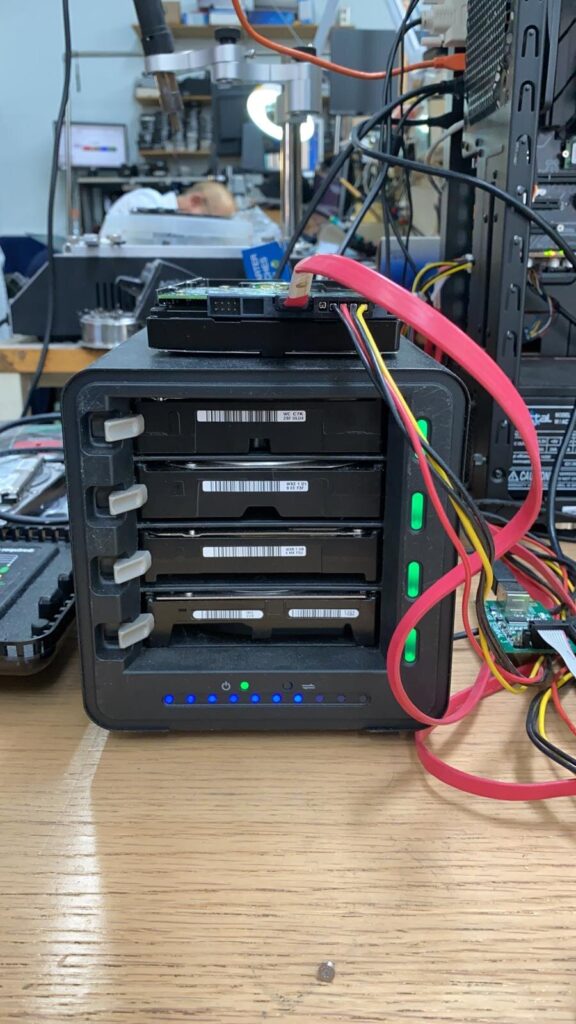
For businesses we recover servers, backup devices and shared storage, including RAID arrays and NAS units from Synology, QNAP and Drobo, along with G-Technology, Western Digital and Seagate drives. We also securely erase drives you are retiring and take on forensic recovery work.
RAID is safer than a single disk, but it is not a backup. When one or more drives fail, the redundancy can break down and the whole volume goes offline. Depending on the job, we work on the array at our workshop, remotely or at your premises.
Who handles your data
Kensington Computer Repairs is run by two technicians, Alan Dingwall and Krishna Kolamkar, who trained with a central London data recovery operation. Formatted systems, corrupted drives and failed RAID arrays are everyday work for them.
Everything is confidential. We use the information on your device only to solve the problem you brought it in for, and otherwise hold it in strict confidence. The one exception is data of a criminal nature.
Getting your device to us
Drop it in at 68A North End Road, W14 9EP, book a free collection and return from your home or office, or post it to us. Once your files are safe we will also nag you, politely, about backups.
“When it happened, I went cold. I thought that six months of dedicated research had just vanished. You saved me - and my reputation. Thank you!”
Questions people ask
How much does data recovery cost?
It depends on the fault. A logical recovery on a standard hard drive that takes up to two hours is £99 + VAT. A physical recovery on a single drive is £450 + VAT. RAID and NAS jobs cost more. You always get a firm quote before work starts.
What happens if you cannot recover my data?
You pay nothing. The initial consultation is free, the quote is firm, and if the data cannot be recovered there is no charge.
Can I try recovery software myself first?
On a healthy drive with deleted files it sometimes works, but never install it on the drive you are recovering from, because that can overwrite the lost files. If the drive is clicking, slow or not detected, leave it switched off and let us examine it first.
Is the service confidential?
Yes. Information on your device is used only to resolve the problem and is otherwise held in strict confidence, unless the data is of a criminal nature.
Can you collect my device?
Yes. Collection and return from your home or office is free across central and south London. You can also drop in at North End Road in West Kensington or send the device by post.